Unlock the Hidden Features of WordPress.com That Will Revolutionize How You Own Your Website
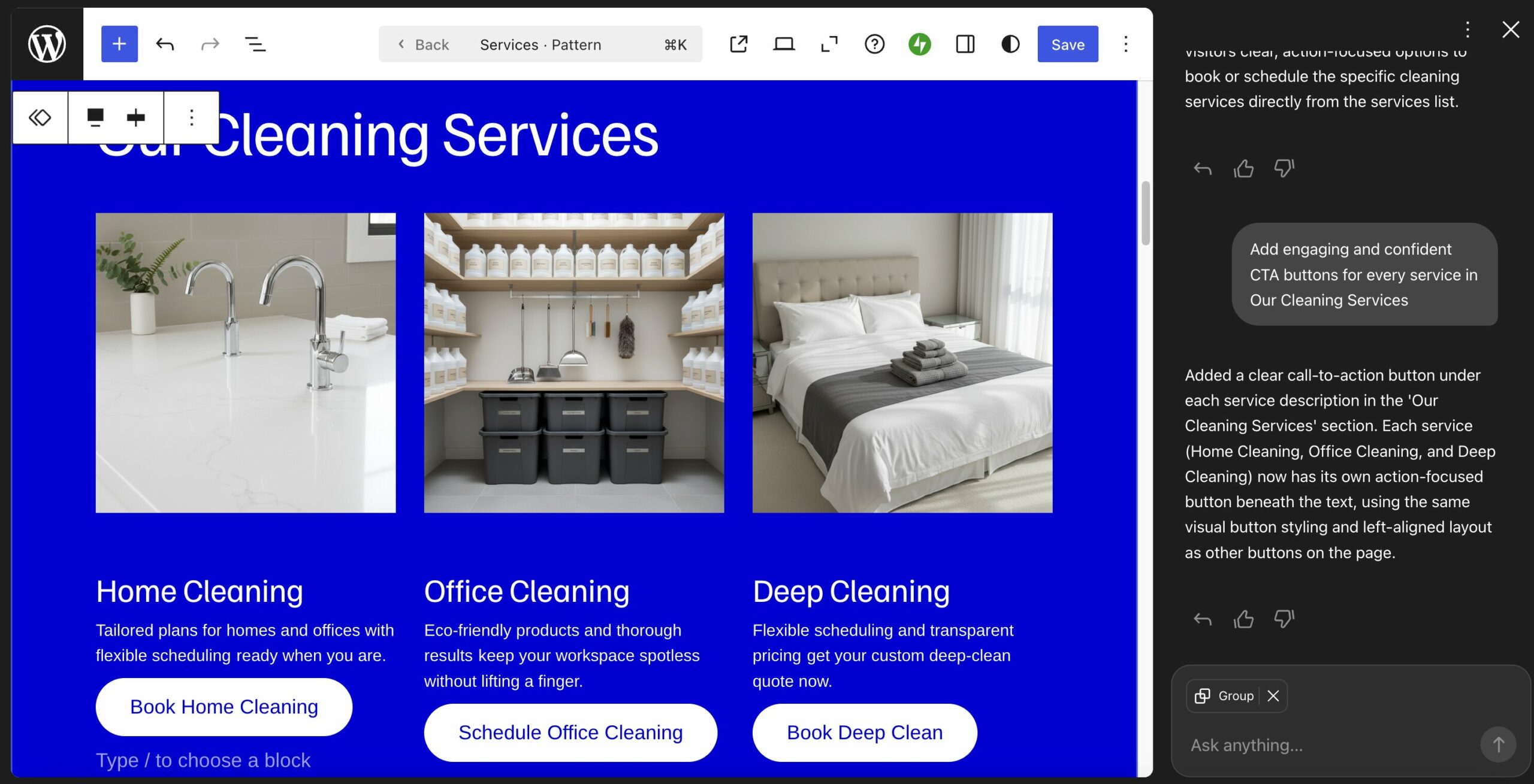
On WordPress.com, you can manage the entire lifecycle of your website — setup, development, launch, day-to-day management, and potential adjustments — on a single platform that grows with you.
When I first learned to build WordPress sites, I had to stitch them together from different tools and vendors. Think of connecting your domain registrar to a hosting provider, installing backup, security, and performance plugins — that sort of thing.
When I switched to WordPress.com, the experience became entirely different. Here are 14 ways it makes site ownership easier.
1. Launch your site in a single, ready-to-run environment
On WordPress.com, getting a domain, hosting, security, backups, and performance are already configured.
Your site runs on WordPress-first infrastructure, built to handle updates, plugins, traffic spikes, and security without you having to tune the stack yourself.

Here’s what you get:
In short, instead of spending time setting up your site’s infrastructure, you can get online — and stay online — while focusing on growing your business.
2. Build with AI, but keep full control
On WordPress.com, AI helps you launch quickly — while still creating a real WordPress site you control.
Some AI website builders generate sites inside proprietary platforms, which can make it harder to customize, add advanced features, or move your site elsewhere later.
That’s different on WordPress.com.
The AI website builder creates your site using native WordPress functionality, including proven themes, patterns, and the Block Editor. Instead of generating loose code, it assembles your site from building blocks that are designed to work well together.
Because of that, you’re building directly on WordPress from day one. You can redesign, add features, or scale your site over time without rebuilding it from scratch.




Post Comment