Unlock the Hidden Features of WordPress.com That Will Revolutionize How You Own Your Website
” data-medium-file=”https://en-blog.files.wordpress.com/2026/02/wordpress-plugins-marketplace-1.jpg?w=300″ data-large-file=”https://en-blog.files.wordpress.com/2026/02/wordpress-plugins-marketplace-1.jpg?w=1024″ loading=”lazy” width=”2466″ height=”1386″ src=”https://en-blog.files.wordpress.com/2026/02/wordpress-plugins-marketplace-1.jpg” alt=”Screenshot of the WordPress.com Plugins marketplace. ” class=”wp-image-84100″ srcset=”https://en-blog.files.wordpress.com/2026/02/wordpress-plugins-marketplace-1.jpg 2466w, https://en-blog.files.wordpress.com/2026/02/wordpress-plugins-marketplace-1.jpg?w=150&h=84 150w, https://en-blog.files.wordpress.com/2026/02/wordpress-plugins-marketplace-1.jpg?w=300&h=169 300w, https://en-blog.files.wordpress.com/2026/02/wordpress-plugins-marketplace-1.jpg?w=768&h=432 768w, https://en-blog.files.wordpress.com/2026/02/wordpress-plugins-marketplace-1.jpg?w=1024&h=576 1024w, https://en-blog.files.wordpress.com/2026/02/wordpress-plugins-marketplace-1.jpg?w=1440&h=809 1440w” sizes=”(max-width: 2466px) 100vw, 2466px”>
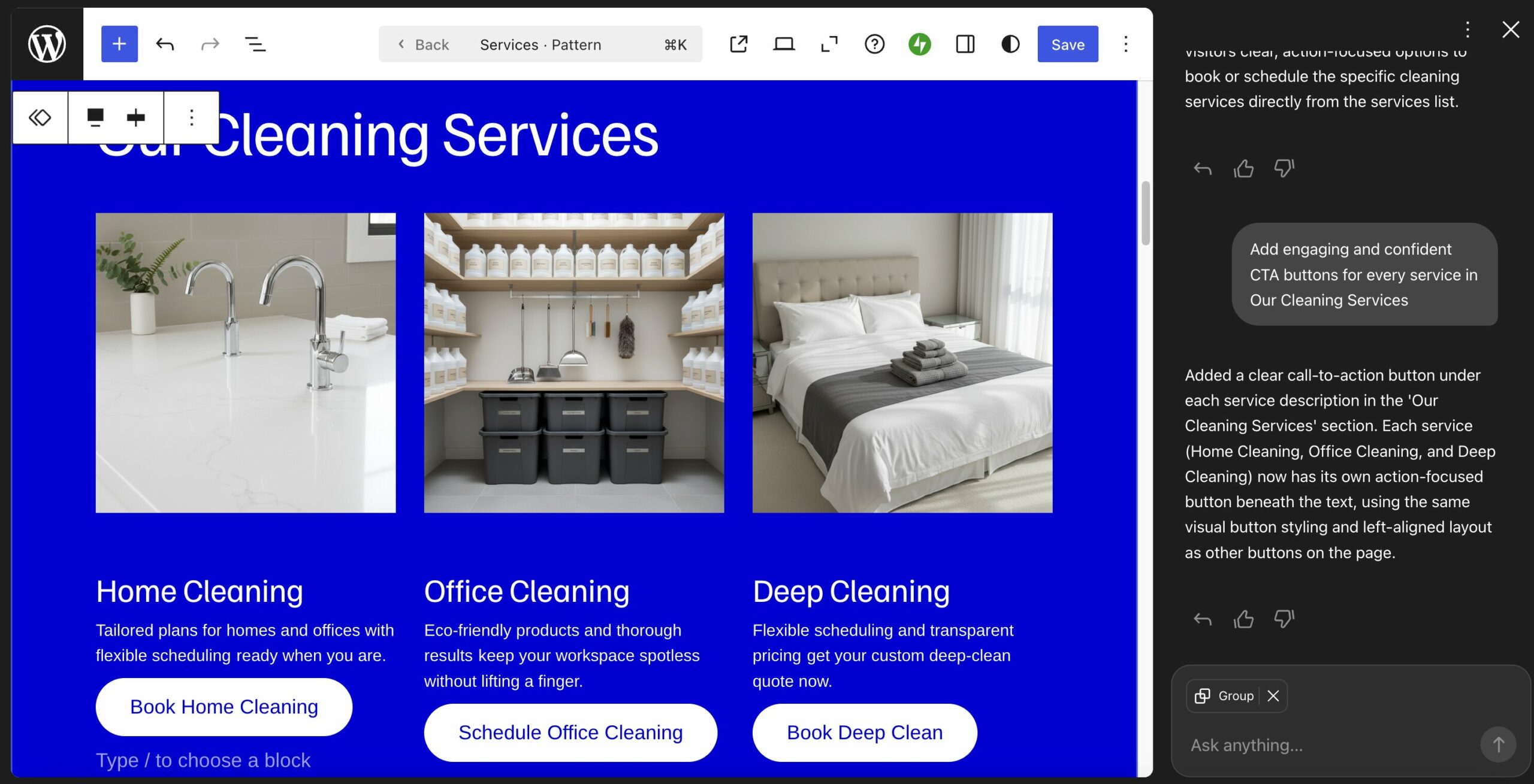
With access to over 50,000 plugins, you can shape your site around your goals, not around technical gaps.
9. Build locally, using the same environment
With WordPress Studio, you can test changes on your own computer in the same environment your live site uses — then sync them when you’re ready.
This is more relevant to developers than beginners, but it’s useful to understand. Local development gives you a safe space to experiment, redesign pages, or test features without visitors seeing half-finished work.
The tricky part with local development is usually deployment. If your local setup doesn’t match your live environment, things can break when you push changes.
WordPress Studio solves that by mirroring your WordPress.com environment, making it much easier to move changes from local to live without surprises. It also comes with reusable site blueprints, shareable preview sites, and selective push and pull.

Tip: Other WordPress.com developer features include free staging sites, SFTP/SSH, WP-CLI, Git commands, and GitHub deployments.
10. Keep your site fast and secure over time
Website performance and security are usually ongoing projects. But, as we’ve already settled, on WordPress.com this happens at the platform level, so you don’t have to worry about it at all.
Keeping a site fast and protected means adjusting cache plugins, configuring security tools, and monitoring logs over time. Here, that work happens behind the scenes.
Features that keep your site resilient include:
- Automated data center failover.
- Built-in spam protection.
- A detailed site activity log.
And if you ever need a hand, WordPress.com’s Happiness Engineers are available 24/7 to help.

Besides, WordPress is one of the most rigorously tested and actively maintained software projects in the world, with thousands of contributors and a dedicated security team.
On WordPress.com, that foundation is reinforced with managed infrastructure that keeps your site protected as you grow.
11. Expand what your site can do — without starting over
On WordPress.com, you can redesign, extend, and turn your site into something bigger without changing platforms or rebuilding from scratch.
Your website might start as a simple blog or portfolio. Later, you might add a shop, memberships, bookings, or a newsletter. On many setups, that means migrating systems, upgrading servers, or reworking your entire stack.
Here, you build on the same foundation.
You can refresh your design using native blocks, patterns, and themes — and use tools like newsletters. You can also add ecommerce, payments, or other features through plugins.

And you can do it all without touching hosting, security, or performance settings behind the scenes.
12. Keep full ownership of your website
With WordPress.com, your content and data remain yours forever — and you can export them if you ever decide to move.
Some proprietary website builders make it difficult to take your site elsewhere, limiting how easily you can export your content, structure, or integrations. While self-hosting WordPress gives you full ownership, it also means full responsibility for managing everything.
WordPress.com runs on the open-source WordPress software, which means your content isn’t trapped in a proprietary system. If your needs change, you can export and migrate your site without rebuilding it from scratch.

13. Get out of the maintenance loop
On WordPress.com, most routine upkeep happens automatically, so you’re not constantly managing your site behind the scenes.
It’s great that WordPress and its components receive regular updates. But keeping WordPress core, themes, plugins, and infrastructure up to date can turn into an ongoing cycle of small tasks and checks.
Here, those updates — along with performance and security management — are handled for you.
That means less time maintaining your website and more time using it to move your work or business forward.

WordPress core is updated automatically on all plans; themes are maintained for you.
On Business and Commerce plans, plugins can be updated automatically as well. Server-level components like PHP are managed by WordPress.com behind the scenes.
14. Migrate your site without downtime
Finally, WordPress.com also helps you seamlessly migrate your website, whether you do it yourself or with expert help.
Moving hosting providers comes with a long list of to-dos. You have to move all parts of your site, fix compatibility issues with the new environment, and cross your fingers that the website won’t go down during the switch.
To avoid this, on WordPress.com Business and Commerce, migration and launch happen as separate steps:
- Create a new, empty site.
- Clone your existing site into it (your original site stays live on your old host).
- Review the WordPress version, pages, plugins, etc., in the new environment.
- Switch your domain when you are 100% ready.

Your visitors won’t even notice the change. Better yet, you can choose the “do it for me” option and the WordPress.com team will handle the migration for you, and then guide you through the final steps.
Make your life easy — Choose WordPress.com
The difference of hosting your site on WordPress.com versus elsewhere doesn’t come down to a single feature — it changes your entire experience of website ownership.
From the beginning, your site lives in an optimized, centrally managed environment that it never has to leave, no matter how much you grow.
This reduces the technical work necessary to keep it running smoothly, allowing you to focus on what really matters and moves the needle. At the same time, you retain full ownership and control over your site.
Ready to make this a reality for yourself?





Post Comment