Unlock the Secret to Effortless Social Media Mastery with Jetpack Social’s Game-Changing Upgrade!
Jetpack 15.6 is out, and it’s a big one for anyone using Jetpack Social to share WordPress content across social media.
We’re talking per-platform post customization, a rebuilt preview modal, improved AI image generation, and more control over what goes live and when.
Here’s everything that’s new:
Let’s explore each update in detail.
Customize your content for each social media platform
You can now customize the message, image, and formatting separately for each social platform — all from the editor sidebar before you publish.

This way, your content fits the audience and format of each social media network, instead of being a one-size-fits-all compromise.
A detailed caption for LinkedIn, something shorter for X, a different image for Facebook — adjust your approach on the go.
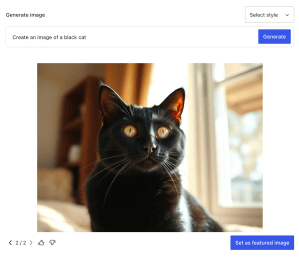
Generate AI-powered images for your social posts
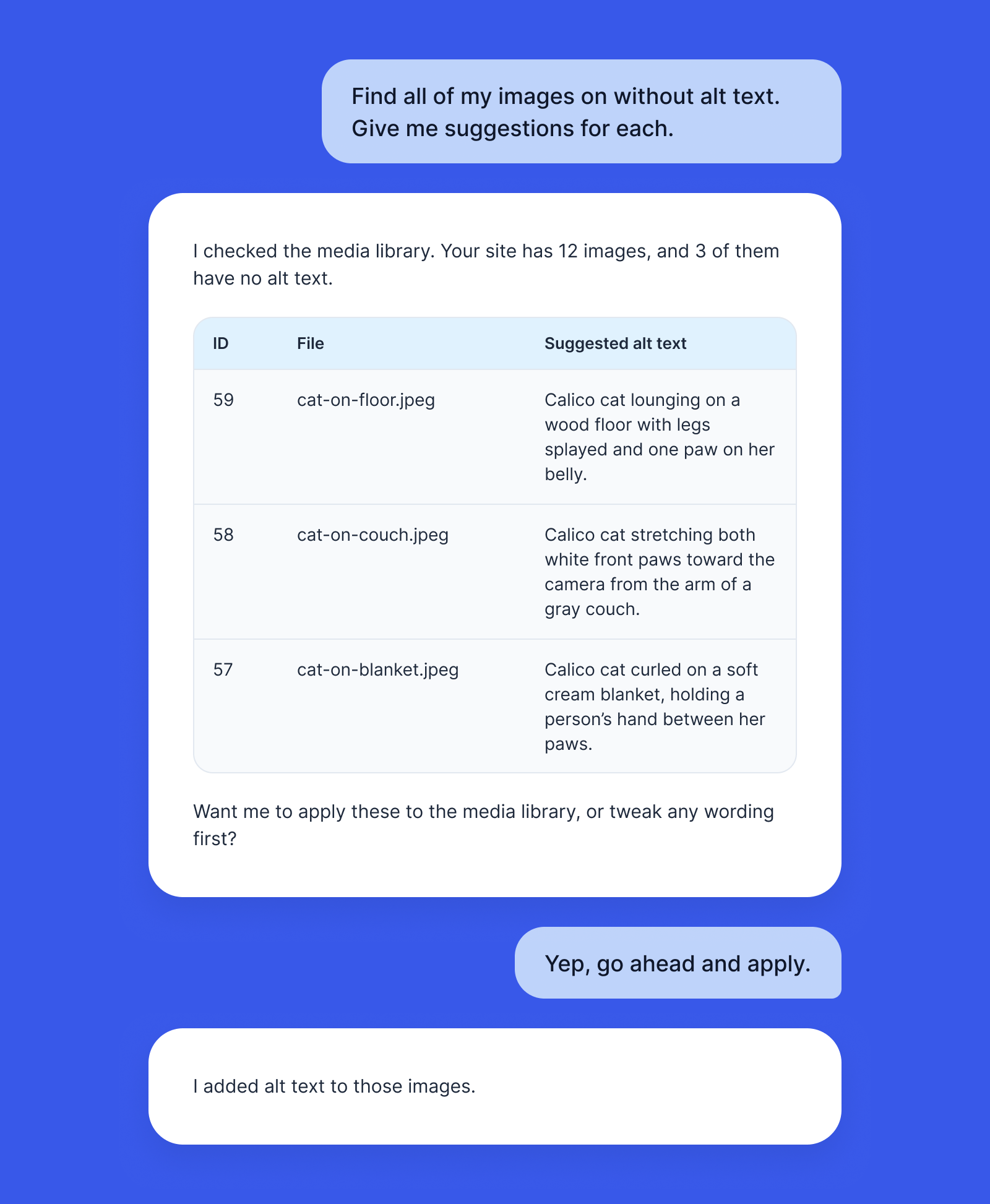
You can create more engaging images for your social posts directly in the editor using Jetpack AI.
Type a description, pick a style, and generate something that fits your post and your brand.

The template-based Social Image Generator is still available, too. Both options now sit alongside your media picker in a single panel.
Work with a cleaner, more intuitive sharing panel
The editor sidebar got a cleanup, too. The media picker, image templates, and AI generation now live in one unified section.
It takes fewer clicks to configure your post, the layout is cleaner, and visual dot indicators on active connections show you which accounts are enabled at a glance.