Unlock the Secret to Launching Your Own Free Blogger Blog in Just Minutes!
1. Visit Blogger
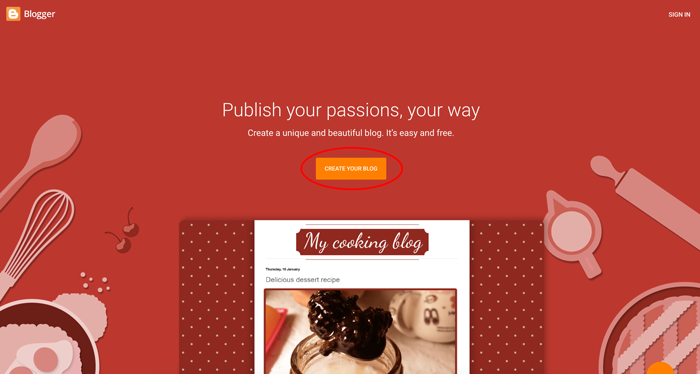
Head over to www.blogger.com and click the prominent button in the center that says CREATE YOUR BLOG.
2. Sign In or Create Your Google Account
Blogger is powered by Google, so you’ll need a Google account to get started.
- If you don’t have an account: Click the Create account link at the bottom left and follow the quick prompts to set one up.
- If you have Gmail: Simply sign in with your existing email and password.
3. Choose a Catchy Blog Title
Type in the name you want for your blog. While you have a 100-character limit, we recommend keeping it short and sweet.