Unlock the Secrets to Starting a Blog or Website in 2026—What Experts Won’t Tell You!
RELATED: How to Change Logo on WordPress Login Page
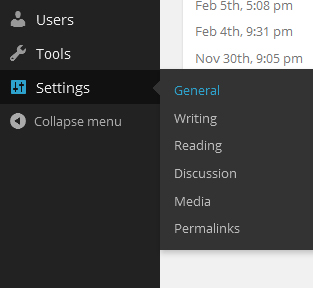
First, let’s get your basic settings in place, so in your dashboard, go to “Settings” and then “General.”
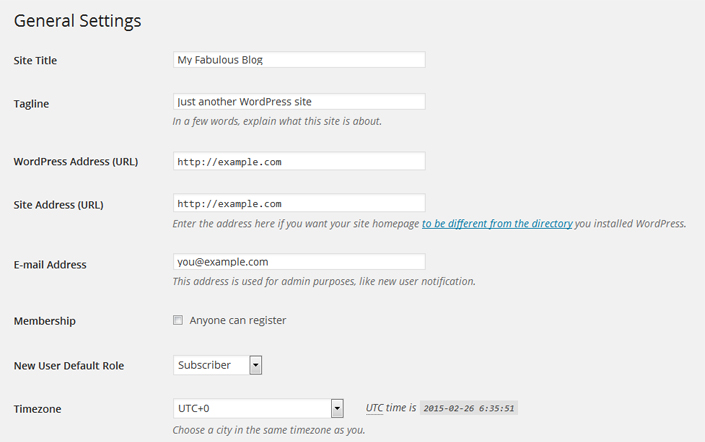
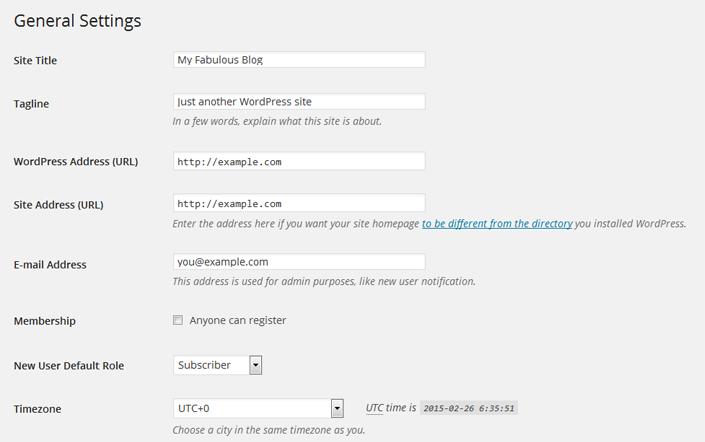
Enter your site title and tagline here and correct other information if needed. Once ready, save all the changes.
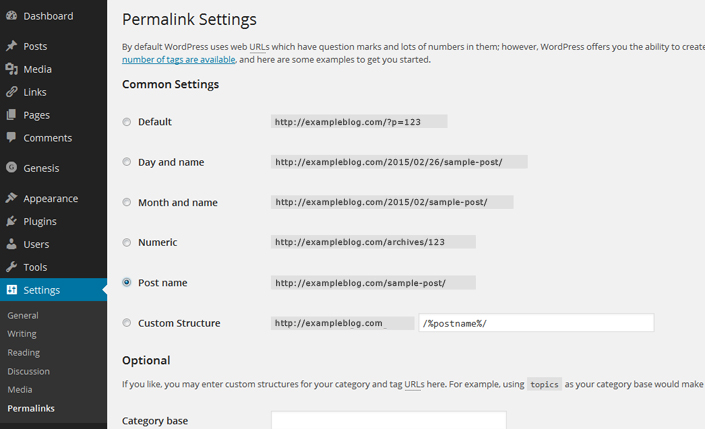
Now, I highly recommend that you change your permalink settings for SEO purposes. To do this, go to “Settings” and then “Permalinks,” select the “Post name,” and click “Save Changes.”
I also recommend you click through each option under “Settings” to get the additional options set up like you want. You can also visit our WordPress Tutorials page for additional help in setting up other areas of your site.


Post Comment