Unlock Effortless Zoom Scheduling: Discover the Game-Changing WordPress.com Integration!
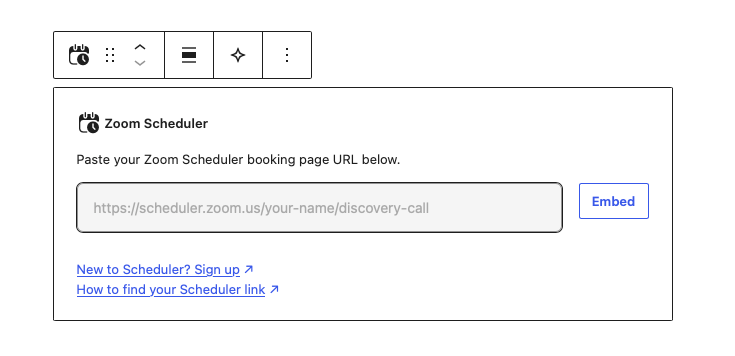
It’s your Zoom Scheduler, on a WordPress.com site your clients can find.

New to WordPress.com? Start from Zoom
Open your booking page in Zoom Scheduler, select Share → Add to Website, then follow the link to WordPress.com.
Then, pick a ready-made site, and we’ll set it up with your booking page already on it. No copying links.
Your clients can see your availability and book you from day one, and you can customize the rest of the site whenever you’re ready.

Already have a site? Add the Zoom Scheduler block
Open any page or post, add the Zoom Scheduler block, paste your booking page link, and click Embed.
Your booking page appears right on the page. Visitors pick a time and book without leaving your site.






Post Comment