Unlock Hidden Power: How the Studio Code Beta Transforms Your WordPress Terminal Experience
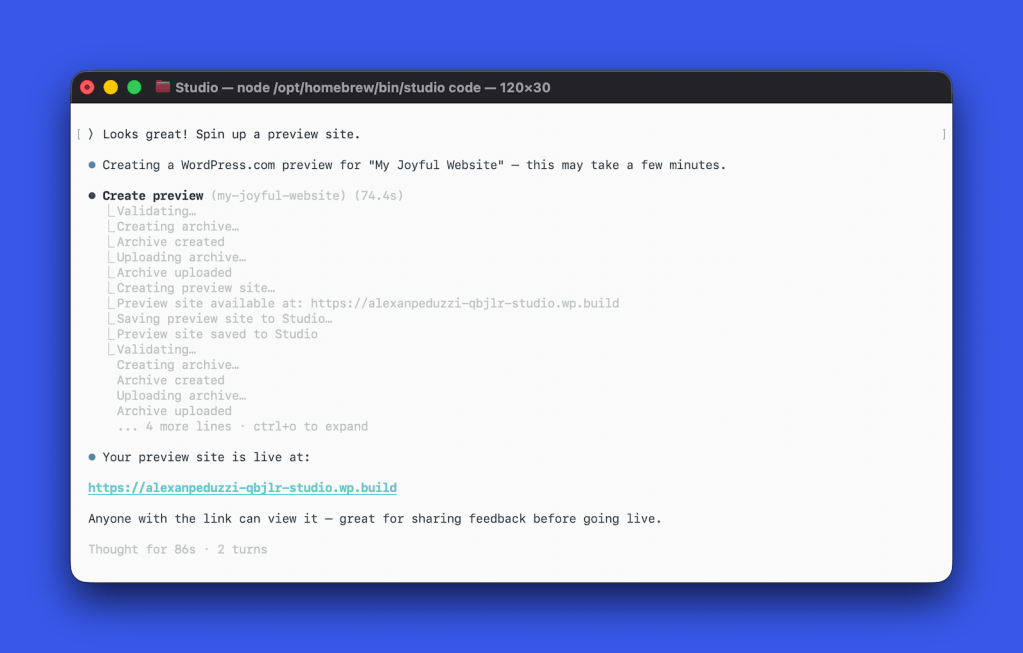
Ever wondered what it’d be like to have a senior WordPress developer right in your terminal, ready to build, edit, and optimize your site just from your natural language commands? Well, that’s exactly what Studio Code aims to deliver—and it’s now in beta for you to tinker with, even as it’s still being shaped under the hood. Instead of hiding behind closed doors, the creators are putting this tool into your hands early, inviting you to help mold its future, which strikes me as refreshingly bold and a touch daring in today’s secretive software world. Imagine skipping hours of grunt work by simply describing your vision—be it a bakery’s website or a nonprofit landing page—and watching Studio Code whip up a fully styled block theme, check its work, and even manage your local WordPress environments all at once. It’s like having a coding sidekick who never sleeps, validates every block, audits your site speed, and tidies your categories without breaking a sweat. If you’re curious whether this early-stage wizardry stands up to real-world chaos, now’s the perfect time to dive in by installing Studio CLI and running ‘studio code.’ Trust me, being part of the feedback loop from day one feels less like trial and more like an exclusive backstage pass to the future of WordPress development. LEARN MORE