Unlock the Secret Formula to Building a Blog That Earns You Money Automatically – Even Overnight!
Once you finish the signup
process, you’ll receive an email from DreamHost to notify you that your account
is set up and to provide you with your login credentials.
Sign into your DreamHost account.
On the homepage, you’ll see a blue box that’ll help you log in to your
WordPress Dashboard:
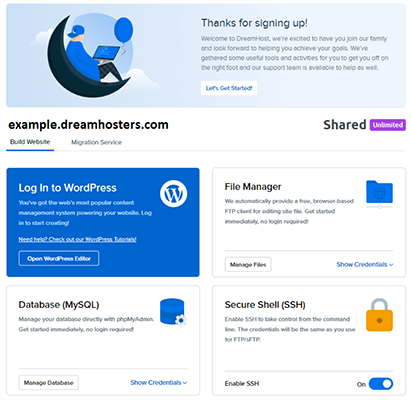
Click Open WordPress Editor.
Now you’re ready to start using
your blog right away!
A quick tour of the WordPress dashboard
The WordPress dashboard is
essentially the control panel for your entire blog. It’s where you’ll:
- Write your blog posts
- Choose how your WordPress blog looks
- Add functionality to your blog
- Moderate comments on your blog posts
As well as plenty of other
important actions!
Accessing your dashboard is
simple:
- Append
/wp-admin to the end of your domain name (e.g. com/wp-admin) - Log in using
the credentials that you set up with DreamHost in the previous step.
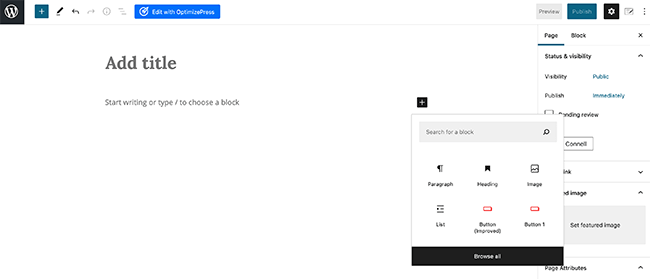
Once you log in, you should see something like this: