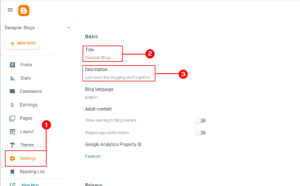
Unlock the Secret to Engaging Readers: Add Captivating Post Excerpts to Your Blogger Blog Now!
Here is exactly how to do it:
Step 1
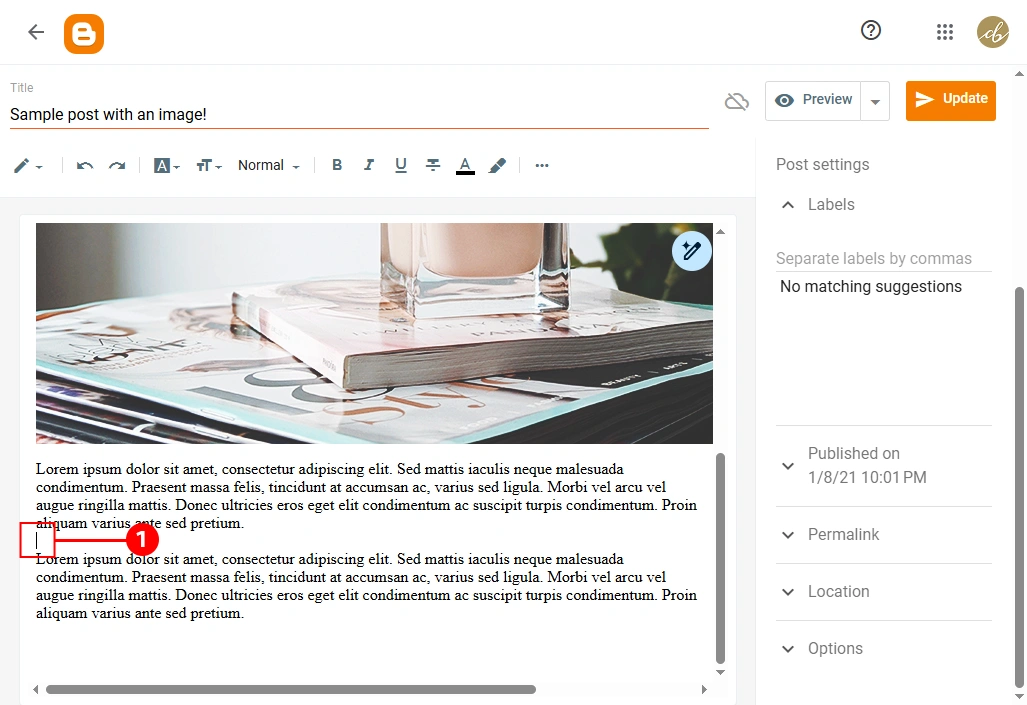
Write your post as usual. When you are done, decide where you want the “teaser” to stop. Click your mouse right at that spot.
Step 2
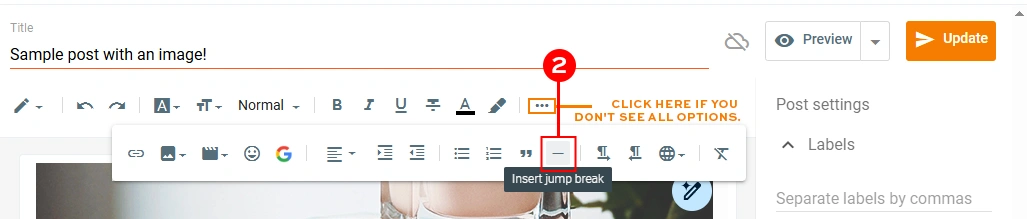
Look for the Jump Break icon in your toolbar (it usually looks like a broken page or a horizontal line). Click it once.
Step 3
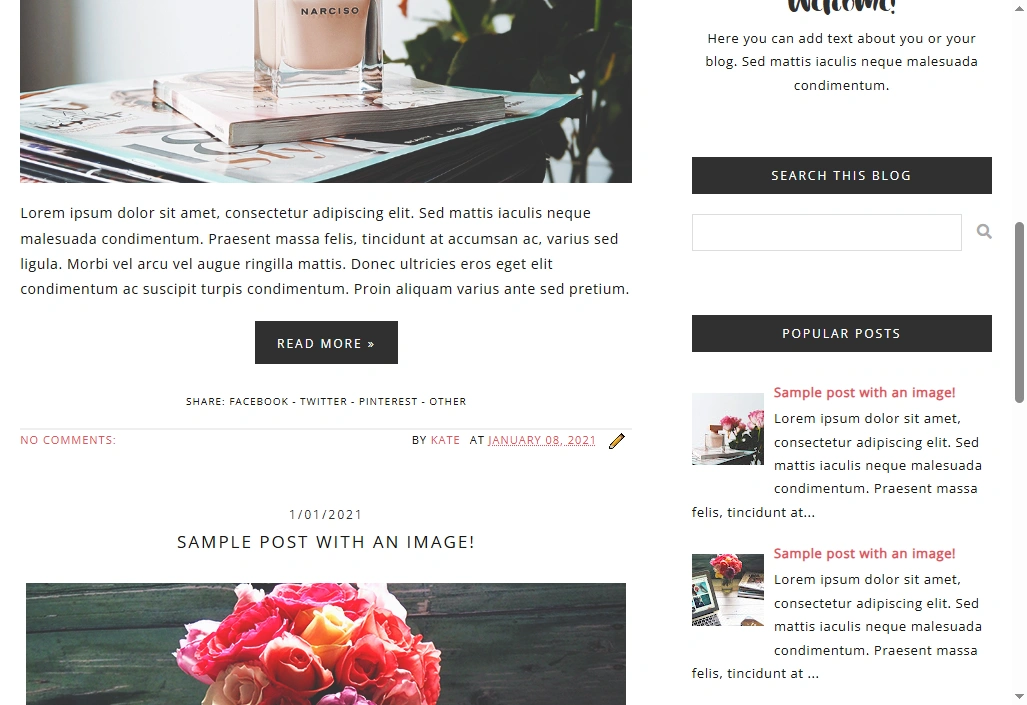
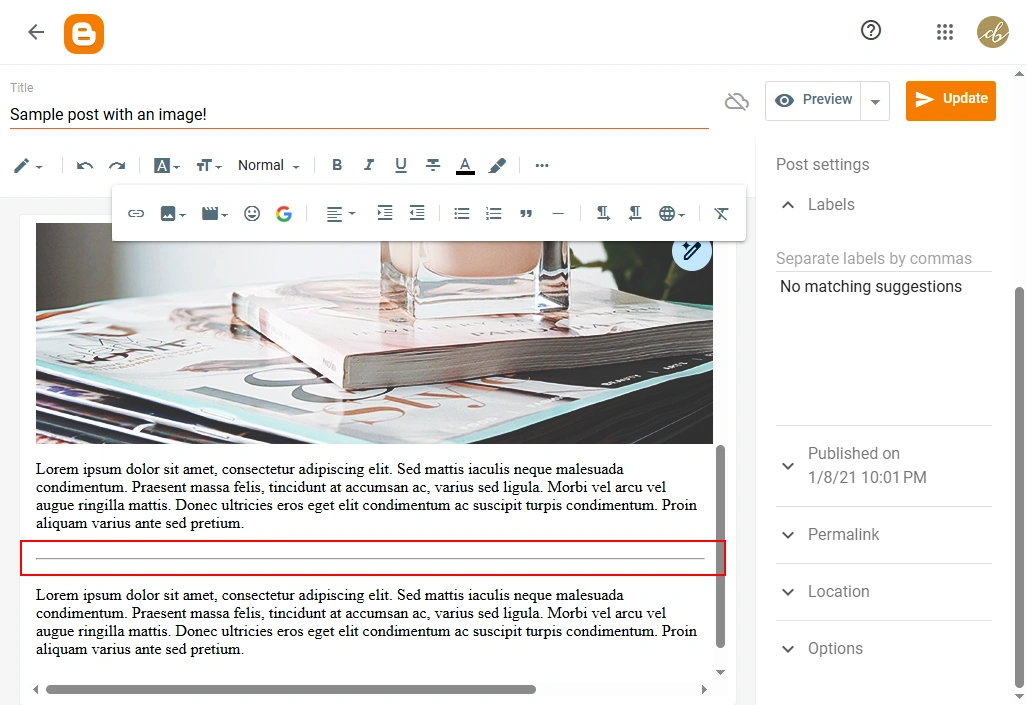
You should see a grey line appear across your text where you clicked. This is exactly where the “Read More” button will show up on your homepage.
Step 4
Hit publish, and you are all set! Go check your homepage to see your new, clean layout.