Discover the Surprising Truth Behind the Best Grammar Checker You’ve Never Heard Of!
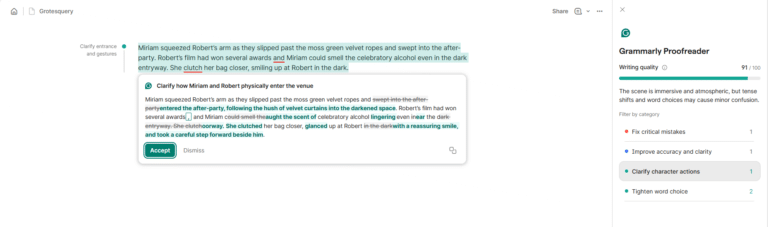

Grammarly is constantly adding new features. Along with their spell and grammar checker, their Pro membership also has a plagiarism checker, an AI detection tool, and a goal-setting tool. When you open a new document, you’ll be prompted to set goals, like what type of audience you’re writing to, and Grammarly will tailor suggestions to suit them.
There are a range of cool integrations and add-ons, like:
- A web app that connects with Facebook, Gmail, WordPress and more.
- Browser extensions for the main browsers.
- A cool mobile app and mobile keyboard.
- A Google Docs extension
- A PDF upload option for PDFs you need help on.
- If you opt for the paid version, there are multiple AI features you can use, including paraphrasing, feedback on your writing based on your target audience, and even rewriting.

Grammarly has a free version that is better than a lot of other competitors’ paid choices. I used Grammarly’s free version for years before deciding to switch across to the paid plan, and it wasn’t because I was actively avoiding the price. For a long time, I found that the free version was enough for what I was doing.
Pros
- As far as design and usability go, Grammarly is the market leader.
- It has a great free version.
- You can set goals that tailor your writing suggestions.
Cons
- Grammarly offers little in regards to “big picture” edits and feedback.
- It’s expensive compared to the other options.
Pricing
Grammarly’s Pro plan starts at $12/month when billed annually.
Get started with Grammarly here.
Ginger Review
When I first looked into spell-checking apps, I assumed Grammarly was the best. However, Ginger has been around for nearly twenty years now, and in that time, has added many features that makes it a viable option.
Ginger offers a lot of the same functionality that Grammarly does, but, in my opinion, at a slightly lower standard.
After some time using both tools, I’ve found that Ginger offers fewer suggestions than Grammarly does. However, you’ll find that both tools will catch most mistakes. Like Grammarly, Ginger has a range of add-ons and integrations.
One of my favorites is a browser app for Edge or Chrome that makes writing blog posts incredibly easy as it works straight with WordPress. You can also download it as a desktop and mobile app (for both Mac and Windows, and iOS and Android, respectively) to write on the go. It can also be added to Microsoft Office (with Windows) and Google Docs.
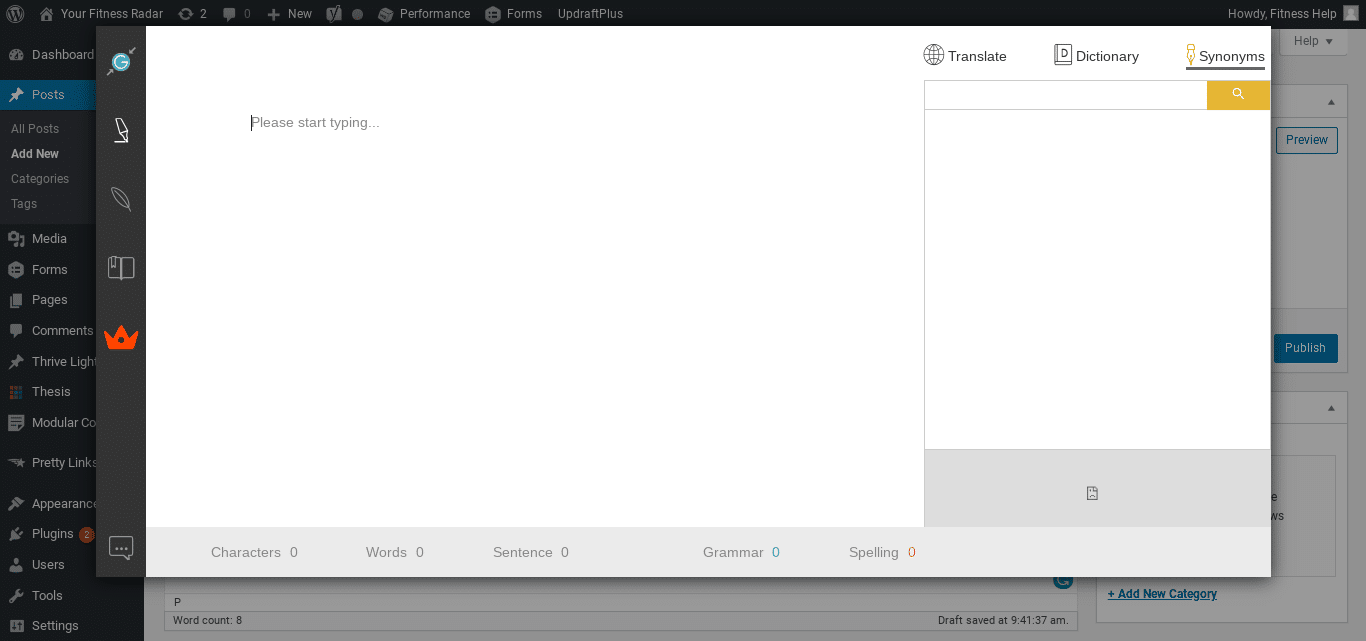
Ginger does offer other features that are unique. My favorite feature is the text-reader. Ginger’s text reader will read your work out loud, no matter if it’s on Microsoft Word, PowerPoint, Chrome, Firefox or Internet Explorer.
The text reader is ideal for editing your own work, as it can be useful to hear your work read back to you. It’s also a great way to listen to a blog post while you’re on the go.
Ginger’s Premium option also includes an AI rephrase tool for when you need some extra help on your sentences.
Pros
- A “read aloud” function that’s great for self-editing.
- A handy free version.
- Great for catching your basic spelling and grammar errors.
Cons
- A lot of the other added features like translators aren’t useful for most users. The translator is no better than Google Translate.
- Doesn’t offer much big-picture feedback on writing.
Pricing
The Premium plan starts at $90 annually, or you can opt for a monthly subscription of $13/month. There is currently a 50% off discount for Premium plans, so if you’re interested in getting started with Ginger, now is a great time to do so!
ProWritingAid Review
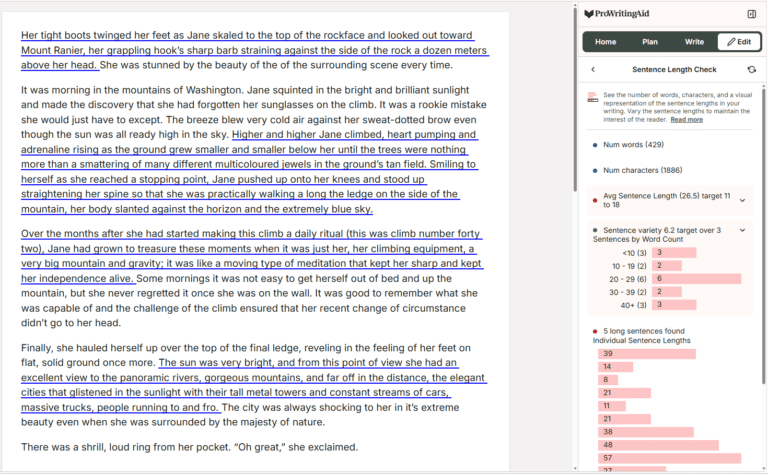
Okay, so it looks like you’ve got a decision to make. Do you go with a tool like Hemingway that offers a “big-picture” check focused on readability, or a tool like Ginger or Grammarly that offers spelling and grammar checks?
CHECK OUT THE HOTTEST DEALS AND MORE ON AMAZON!
The Steps: A Memoir
$22.38 (as of October 25, 2026 02:51 GMT +00:00 - More infoProduct prices and availability are accurate as of the date/time indicated and are subject to change. Any price and availability information displayed on [relevant Amazon Site(s), as applicable] at the time of purchase will apply to the purchase of this product.)
Room on the Broom
$6.79 (as of October 25, 2026 02:52 GMT +00:00 - More infoProduct prices and availability are accurate as of the date/time indicated and are subject to change. Any price and availability information displayed on [relevant Amazon Site(s), as applicable] at the time of purchase will apply to the purchase of this product.)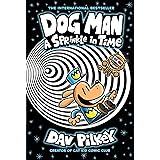
Dog Man: A Sprinkle in Time: A Graphic Novel (Dog Man #15): From the Creator of Captain Underpants (15)
$11.19 (as of October 25, 2026 02:52 GMT +00:00 - More infoProduct prices and availability are accurate as of the date/time indicated and are subject to change. Any price and availability information displayed on [relevant Amazon Site(s), as applicable] at the time of purchase will apply to the purchase of this product.)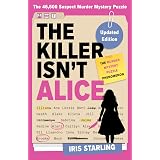
The Killer Isn't Alice: The Bestselling Murder Mystery Puzzle Book - 46,600 Suspects, 1 Killer. Can You Solve the Crime?
$13.19 (as of October 25, 2026 02:52 GMT +00:00 - More infoProduct prices and availability are accurate as of the date/time indicated and are subject to change. Any price and availability information displayed on [relevant Amazon Site(s), as applicable] at the time of purchase will apply to the purchase of this product.)






Post Comment