Unlock the Future: How ChatGPT Transforms Your WordPress.com Site into an Interactive Powerhouse

You can now manage your WordPress.com site from ChatGPT using the new WordPress.com ChatGPT plugin.
Set it up once, then talk to your site to publish posts, moderate comments, check traffic, update media, and handle the small jobs that start after the writing ends.
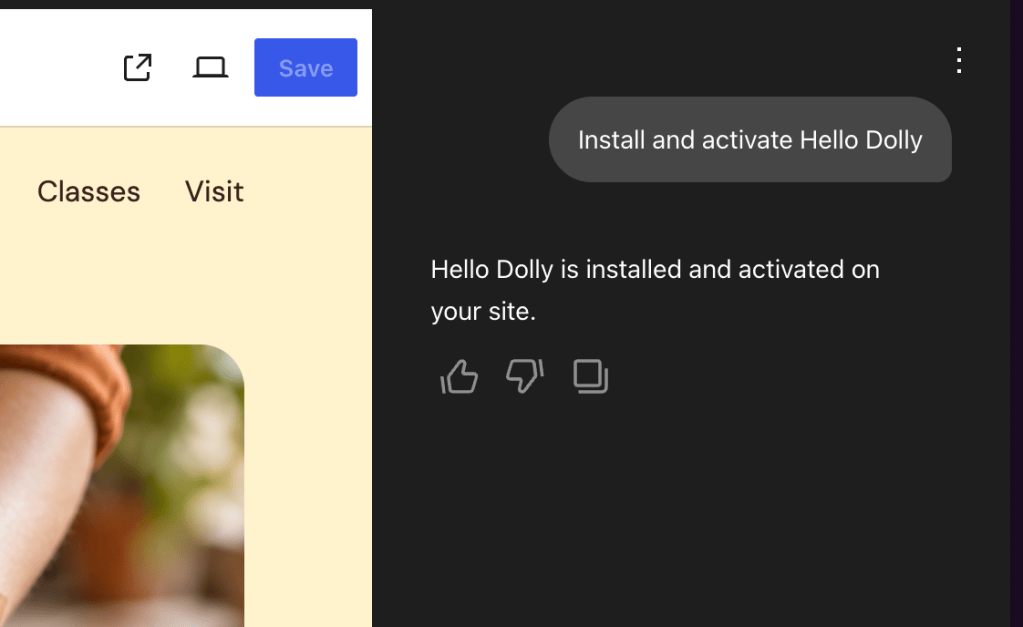
After you add the plugin, type @WordPress.com in any chat and hand off those chores to ChatGPT.
Publish your words without the busywork
You wrote the post, maybe in your notes app, maybe in a doc, maybe in a voice note. Getting it live on your blog can be time-consuming, but with the ChatGPT plugin, you just need to ask.

Try running some of these prompts directly in ChatGPT:
Your content stays yours, and ChatGPT helps with the formatting, scheduling, and the clicking around.
Run your site by asking
Once connected, ChatGPT can read your stats, your comments, your media library, and your site’s activity log, so questions about your site get answered where you asked them.

Here are a few prompts you can use:
Alt text deserves a special mention here. It’s the accessibility task everyone means to do and almost nobody does, because doing it means setting the alt text one image at a time.
Now you can set alt text through a conversation with ChatGPT, and your readers who use screen readers get a better experience for it.