Unlock the Future: How ChatGPT Transforms Your WordPress.com Site into an Interactive Powerhouse

Change your site, conversationally
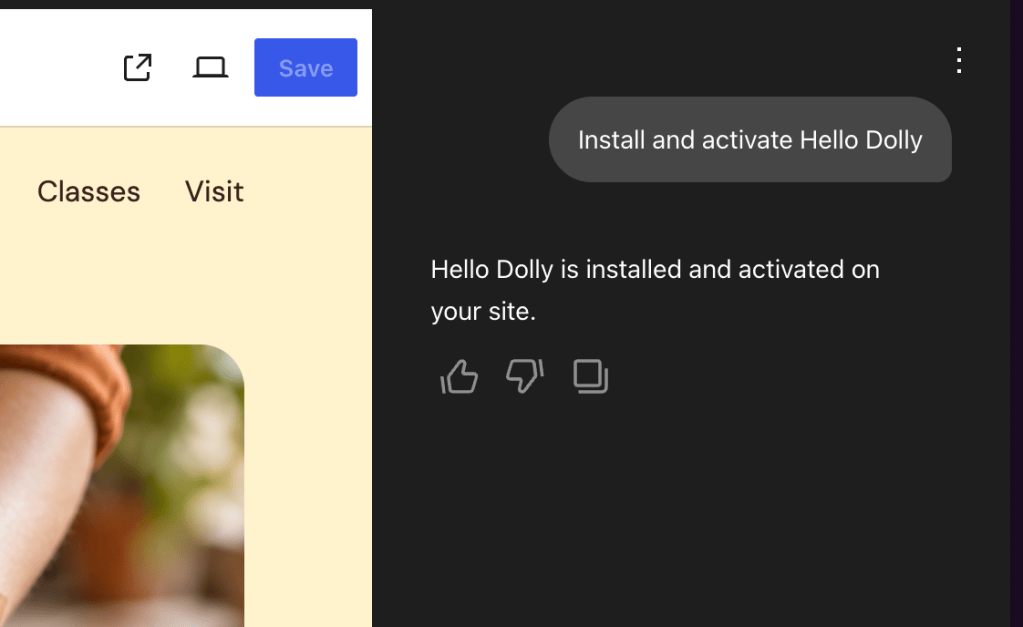
The plugin can make changes across your site, from adding pages and updating site settings to working with your existing design.

Try prompts like:
You stay in control
The WordPress.com ChatGPT plugin is optional and off by default. When it’s enabled, ChatGPT has to ask you before making changes to your site.
If it’s about to publish or edit content, launch your site, change settings, or delete something, you’ll see what it plans to do before anything changes.
New posts and pages start as drafts by default, and for anything that publishes, edits, launches, or trashes something, ChatGPT describes exactly what it’s about to do and waits for your confirmation.

Connect your site to ChatGPT
Getting started only takes a few steps and after that, WordPress.com is available whenever you type @WordPress.com in ChatGPT.
First, you’ll need to enable MCP access on your WordPress.com account. This enables AI agents like ChatGPT to use the WordPress.com tools you choose to enable.