Unlock the Future: How ChatGPT Transforms Your WordPress.com Site into an Interactive Powerhouse

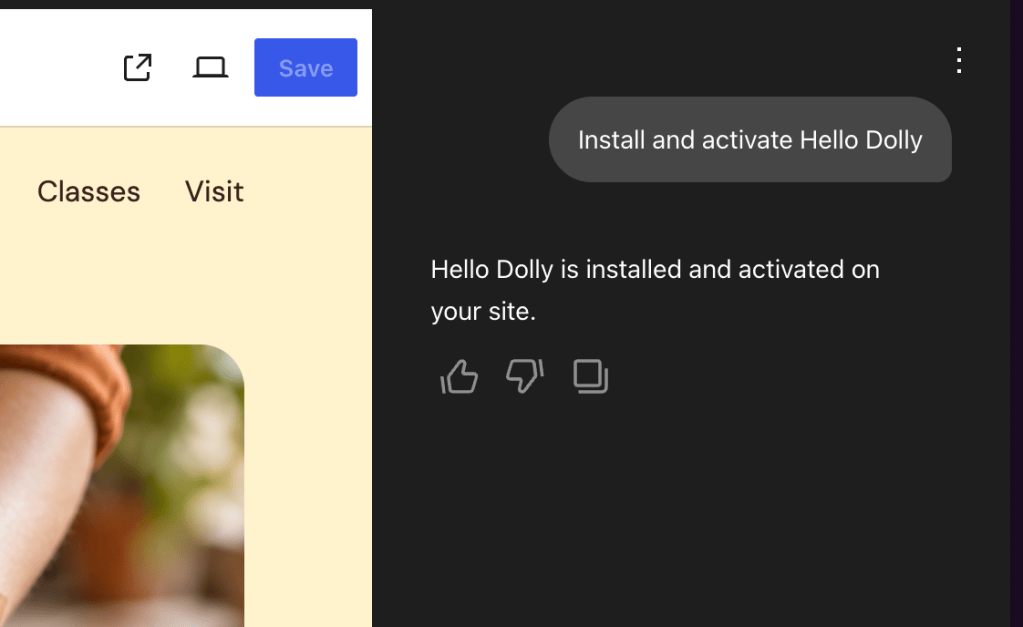
Then, open WordPress.com in ChatGPT, select “Install plugin,” sign in with your WordPress.com account, and approve the connection. Then type @WordPress.com and hand off the first chore.
The full setup guide is in our support docs, and if you’d rather connect Claude or another AI assistant, that works too.
MCP access is included with every paid WordPress.com plan, and Free sites also get this during the first 30 days after creation.
Your writing stays yours, and now you can work with your site without having to go to it. Writing was always the fun part anyway.