Unlock Hidden Secrets: Effortlessly Export E-book Notes to Your Computer Like a Pro
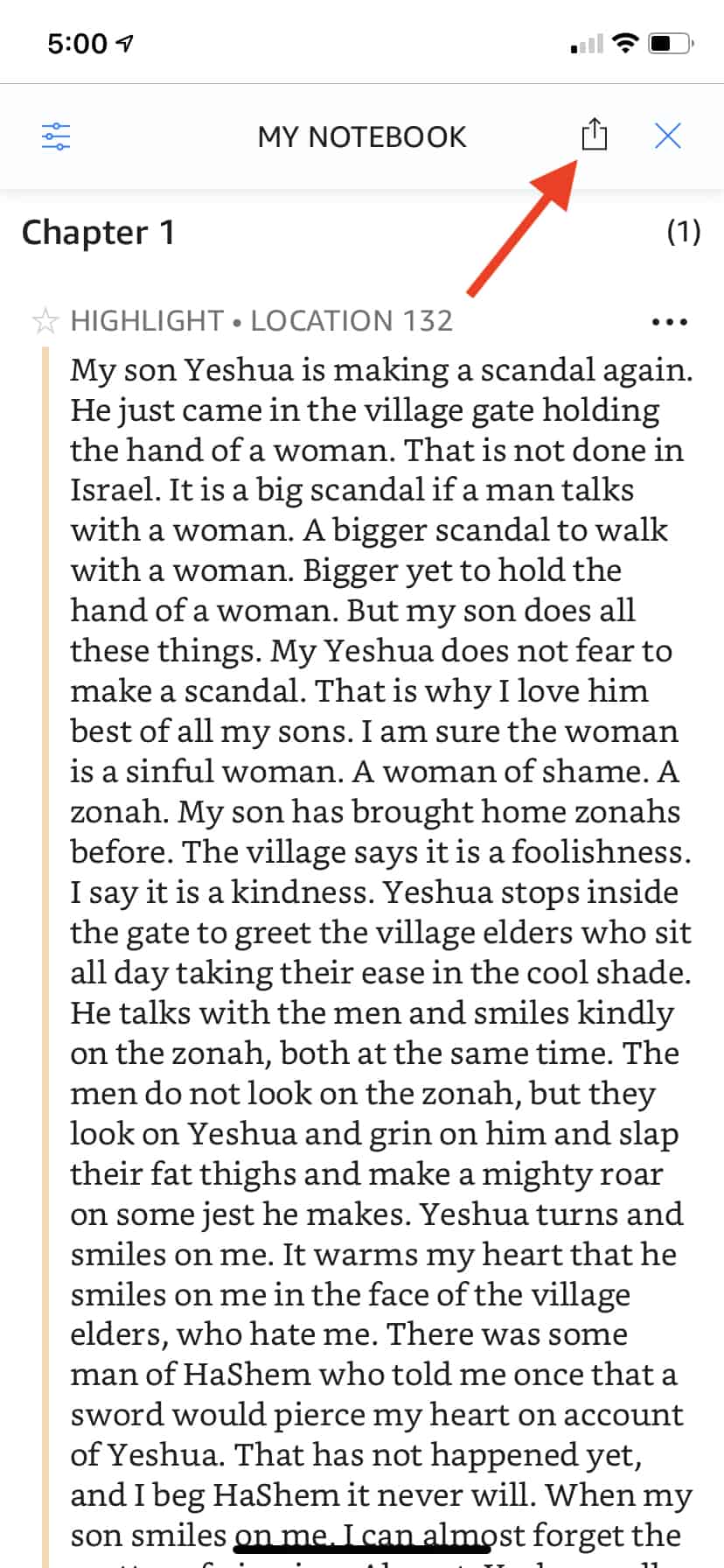
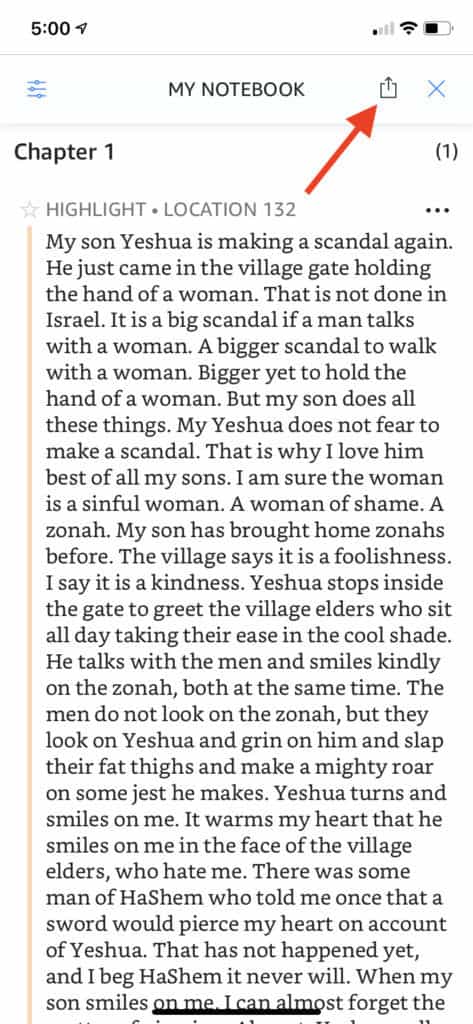
Notice that the paragraphs have been all smushed together from the segment I highlighted in my book. You can undo this later, after you’ve emailed yourself the Notes.
The Notes Section has a toolbar on top. There is a Share Icon in this toolbar.
The image below shows a screen capture of the Notes Section. I’ve drawn in a red arrow that points to the Share Icon.
When you touch the Share Icon, a dialog box appears at the bottom of the screen that gives you the choice of exporting your Notes to Flashcards or Email.